 AI demo0:08
Workshop owner
Adam · Business introduction
“I run a small business. My twin does the introductions. I still do the actual work — apparently there isn't a button for that yet.”
Your other you, brought to life
Create your AI twin. Give it your words. Make videos of you—without filming every time.
Start with 3 one-off free video minutes. No card to sign up. Build your twin for £69 once, or choose a paid plan with your first build included.
Make a free presenter video with your welcome minutesMaya · Introduce me
Hi, I'm Maya — well, my AI twin is. I was made from a single photo and a short voice recording.
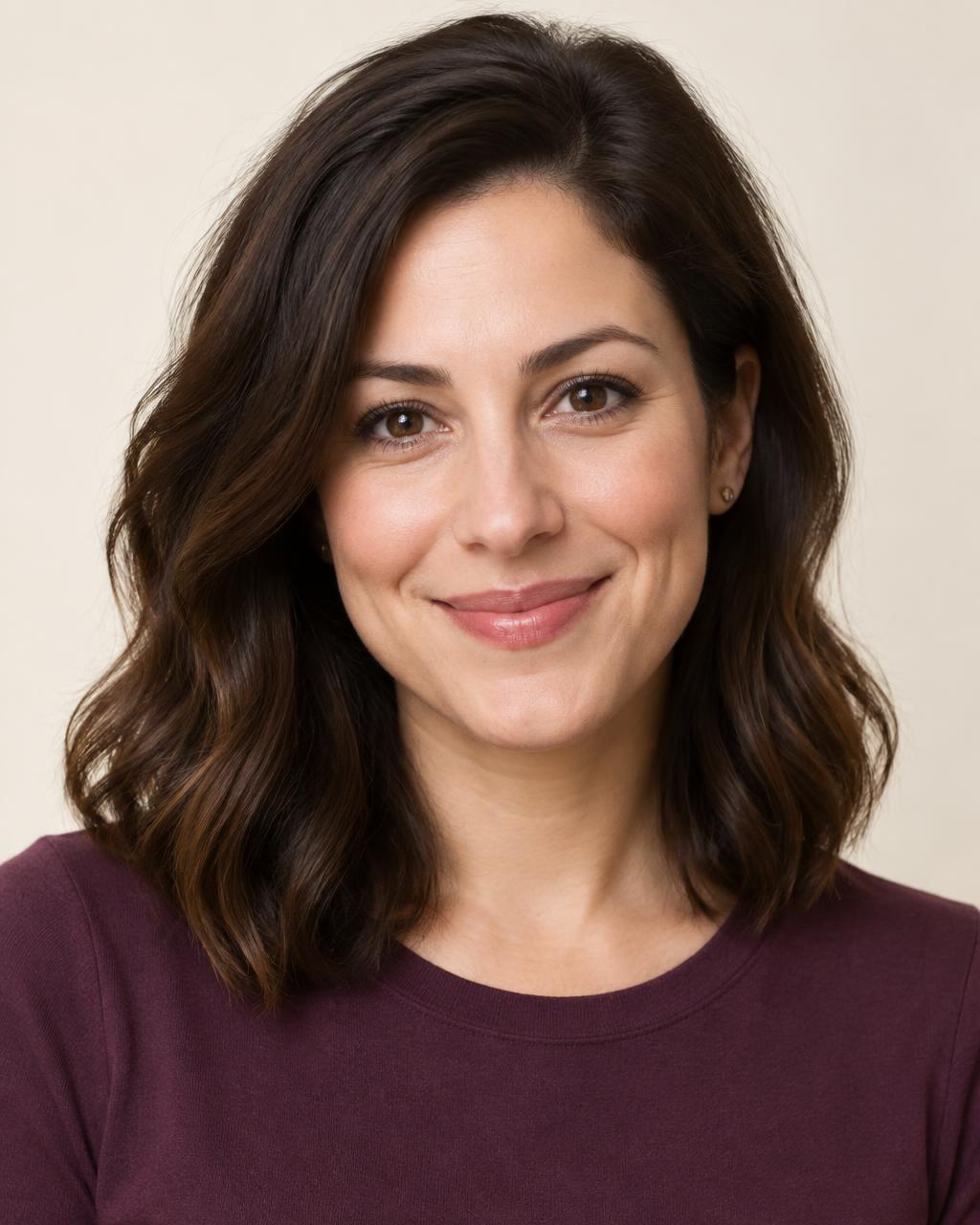
Meet another twin
How your twin is made
Photo looks goodMaya's voice sample
Saved · 0:32 · ready for her twin
Illustrative interface
Your script
Hi, I'm Maya — well, my AI twin is.
Photo looks goodMaya's voice sample
Saved · 0:32 · ready for her twin
Illustrative interface
Your script
Hi, I'm Maya — well, my AI twin is.
01 · Your face
Upload a well-lit portrait, or record a short guided selfie video if you want more natural movement.
Photo looks goodMaya's voice sample
Saved · 0:32 · ready for her twin
Illustrative interface
Your script
Hi, I'm Maya — well, my AI twin is.
02 · Your voice
Record your voice in a guided flow, or pick one from the library. We save your recording before anything else happens.
Photo looks goodMaya's voice sample
Saved · 0:32 · ready for her twin
Illustrative interface
Your script
Hi, I'm Maya — well, my AI twin is.
03 · Your words
Write what you want to say, choose portrait or landscape, and get a finished video back.
Different people, their own twins
For the things you need to say—and the things you just want to.
AI demo0:08Workshop owner
Adam · Business introduction
“I run a small business. My twin does the introductions. I still do the actual work — apparently there isn't a button for that yet.”
 AI demo0:08
Written once, spoken by her twin
Leila · An explanation
“Right, let's make this simple. I've written the explanation; my twin is doing the talking. No camera setup. No 'sorry, let me start again'.”
 AI demo0:08
For Alex
Ben · Birthday message
“Happy birthday, Alex. I made my AI twin deliver this because even the digital version of me is better organised than the real one.”
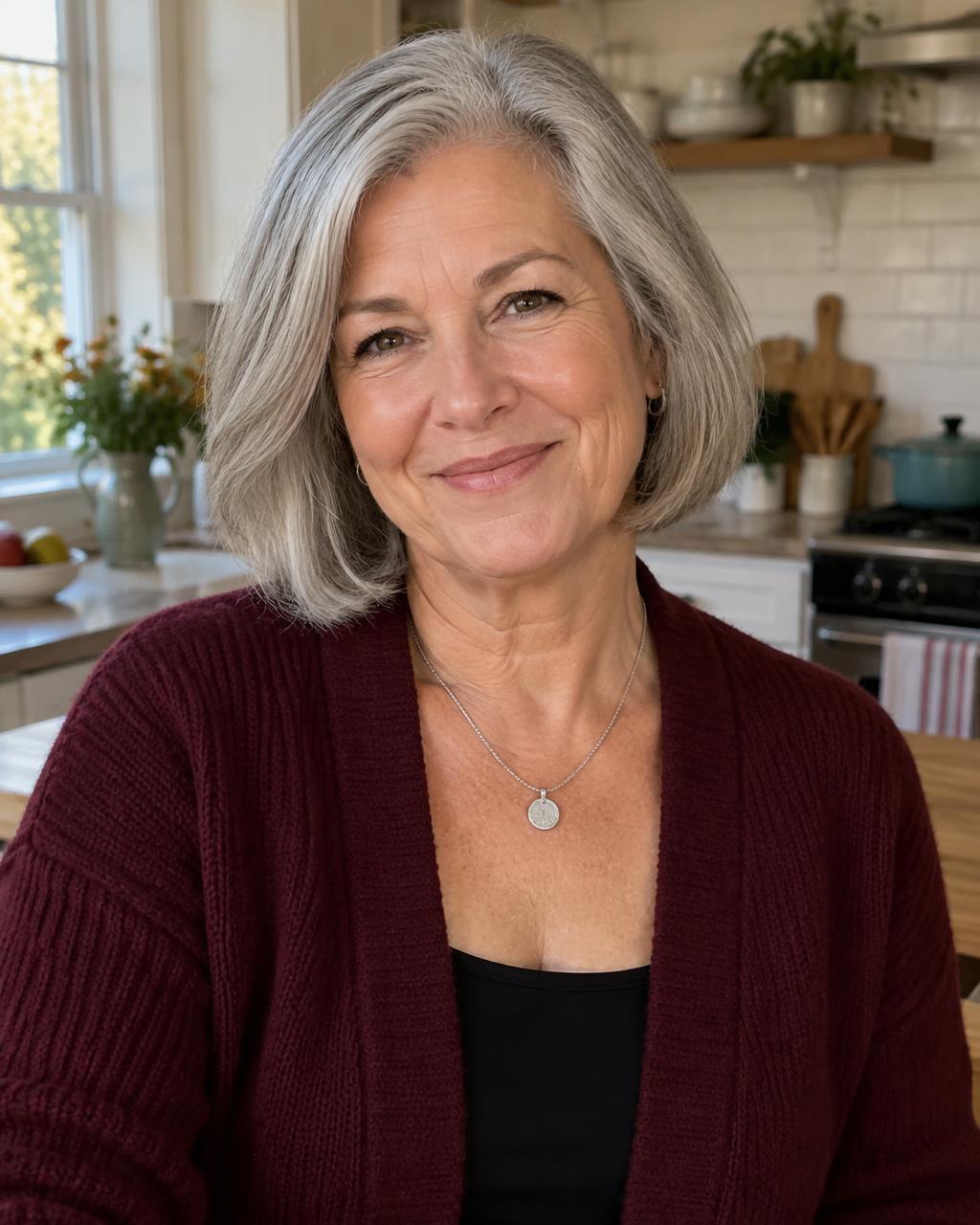 AI demo0:08
To the family group
Helen · A message to family
“Hello, everyone. Yes, this is my AI twin. My family thinks one of me was quite enough. Unfortunately for them, technology had other ideas.”
Swipe to meet each twin
Fictional people and AI-generated example clips, made to show ideas. Not customers.
Prefer not to appear?
Pick one of our presenters when a message needs a different face. Same script, same workflow.
Explore presentersQuestions, answered plainly
Your source media stays private.
You approve the likeness and voice.
Nothing is shared unless you share it.
Build your twin once. Give it something to say when you're ready.
Create my twin£69 one-time twin build fee, or your first build included with a paid plan. Free signup includes 3 one-off video minutes.